
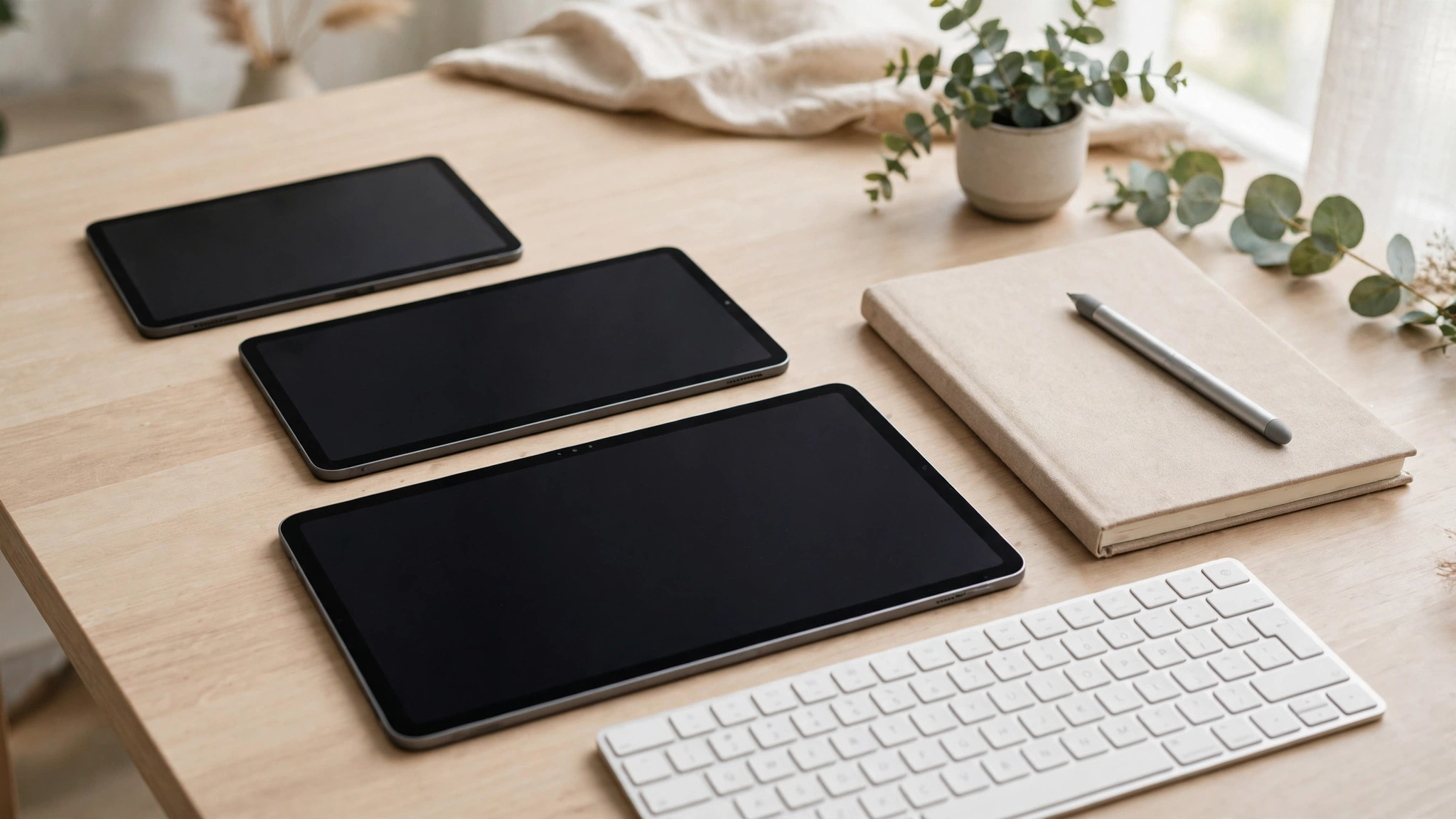
Three tablets can look almost identical on a shelf — same glass front, same shiny back — and still feel completely different once you start using one every day. So how do you spot the right one before your money is gone?
That is exactly the problem this guide solves. If you are hunting for the best tablets 2026 has to offer, forget the spec race for a minute. The right choice comes down to three things most buyers rush past: the size, the screen, and the battery. Get those three right and almost everything else falls into place.
Picture a student who buys a huge 13-inch tablet for lectures. It is brilliant at a desk, but on a crowded bus it is awkward, heavy, and stays in the bag. Size is not a detail. It is the decision.
First, be honest: do you actually need a tablet?
A tablet shines when your day is mostly reading, video, browsing, notes, and light documents. It starts faster than a laptop, it is easier on the sofa, and it is kinder on a bag during a commute.
But if your work means long spreadsheets, heavy multitasking, or specialist desktop software for hours at a stretch, a laptop will still serve you better. There is no shame in that answer — it saves you from buying a beautiful gadget that fights your routine.
Think of Sara, who answers emails, reads reports on the train, and marks up PDFs in meetings. A tablet covers nearly all of her day. Her colleague, who edits complex spreadsheets, would be frustrated within a week. Same office, opposite answers.
Size first: the choice you will feel every single day
Start here, not with processors. How and where you will hold the device decides the size, and you will feel this choice every time you pick it up.
Small tablets, roughly 8 to 9 inches
These are the reading-and-travel size. They suit ebooks, news, social apps, and video in bed or on a flight. They slip into a small bag and are easy to hold in one hand.
The trade-off is space. Split-screen work feels cramped, and a keyboard case on a tablet this small can feel like typing on a toy. If your main job is consumption, though, small is not a compromise — it is the point.
The middle size, around 11 inches
For most people, this is the sweet spot among the best tablets 2026 lineups keep pushing, and for good reason. You get room for notes beside a document, comfortable video, and a keyboard that does not punish your fingers.
A teacher preparing lessons at the kitchen table is a good example. The screen is big enough to show a textbook page and a notes app side by side, yet the tablet still travels easily to school the next morning.
Large tablets, 12 to 13 inches and up
Go large if drawing, design work, or split-screen productivity is your real job. The extra space changes what the device is: less of a big phone, more of a light laptop alternative.
Just be honest about the weight. A large tablet plus a keyboard case can approach a small laptop in your bag, so the portability advantage shrinks. Buy large for the screen, not for the idea of it.
The screen: what actually matters, in plain words
Screen specs look intimidating, but only a few numbers change your daily experience. Resolution decides sharpness — for reading and notes, a crisp display means less eye strain over a long evening.
Brightness matters more than most people expect. A dim screen that looks fine in a shop can wash out near a sunny window at home. If you read or watch outdoors, or even beside a bright window, put brightness high on your list.
Refresh rate is about smoothness. A faster screen makes scrolling and pen strokes feel more natural, which writers and artists notice immediately. If you mainly watch films, you will barely feel the difference, so do not pay a premium for it alone. Roundups such as Tech Advisor’s best tablet guide break current models down by these same screen basics if you want a second opinion while you shop.
Performance and storage: enough is genuinely enough
Here is where buyers overspend most often. For classes, browsing, video calls, and documents, a mid-range chip feels fast for years. You do not need flagship power to take notes.
Storage is the quieter trap. Apps, downloaded lectures, and offline video add up fast, and many tablets offer no way to expand storage later. If you download a lot for travel or keep big creative files, the higher storage tier is usually money better spent than a faster chip.
If study is your main use, pair this guide with our roundup of the best gadgets for online classes, which covers the wider kit around the tablet itself.
Battery: rated hours versus your real day
Every maker quotes battery life, but those numbers come from gentle tests — usually video playback at set brightness. Your real day mixes video calls, bright screens, and background sync, all of which drain faster.
A practical rule: treat the rated figure as a ceiling, not a promise. Then look at charging speed. A tablet that recovers a useful chunk of charge during a lunch break can matter more than one extra rated hour.
Imagine a field worker checking plans and photos on site all morning. For them, fast top-ups between visits beat a spec-sheet marathon number. Match the battery story to your routine, not to the advertisement.
Stylus and keyboard: check before you assume
This is the mistake I see most often. A buyer watches a launch video full of pens and keyboards, orders the tablet, and only then discovers both cost extra — or that the pen they already own is not compatible.
Before you pay, confirm three things: whether a stylus is included or sold separately, whether it charges on the tablet or needs its own cable, and whether the keyboard case is made for your exact model. Students on a tight budget should also see our picks for gadgets for students with a low budget before accessories eat the whole fund.
And if you are torn between a bigger phone and a tablet, our guide to the best smartphones of 2026 helps you judge whether you need a second screen at all.
A simple budget checklist, without fake prices
Prices shift with sales and regions, so instead of numbers that age badly, use this order of priorities. Decide your size first, then the screen quality you can live with daily, then storage, and only then chase extra performance.
Leave room in the budget for the case, pen, or keyboard you genuinely need. A mid-range tablet with the right accessories beats a flagship that arrives bare and stays half-used.
Finally, check software support. A tablet that receives updates for longer stays secure and useful for longer, and that quietly decides whether your purchase feels smart in year three.
Before you pay: a two-minute checklist
Run through this list in the shop or before checkout. Can you hold it comfortably for ten minutes? Is the screen bright enough near a window? Is there enough storage for your downloads, with room to grow?
Does the pen or keyboard you want actually work with this model, and is it included? And does the total — tablet plus accessories — still fit your budget? Five honest answers here prevent most returns.
Frequently asked questions
What size tablet is best for students?
Around 11 inches suits most students. It handles notes and textbooks side by side, fits in a normal bag, and pairs well with a keyboard for essays.
How much storage do I really need?
If you stream everything, a base tier is fine. If you download lectures, films, or large files for offline use, step up one tier — many tablets cannot be expanded later.
Is a tablet a real laptop replacement?
For reading, notes, email, and light documents, yes. For heavy spreadsheets, specialist software, or all-day multitasking, a laptop is still the safer tool.
Does a higher refresh rate matter?
It matters most for drawing and fast scrolling, where the pen feels more natural. For video and reading, most people notice it far less.
The takeaway
The best tablet is not the one with the longest spec sheet. It is the one whose size fits your hands, whose screen suits your rooms, and whose battery survives your actual day. Decide in that order, verify the accessories before you pay, and you will still be happy with the choice long after the launch hype fades.