
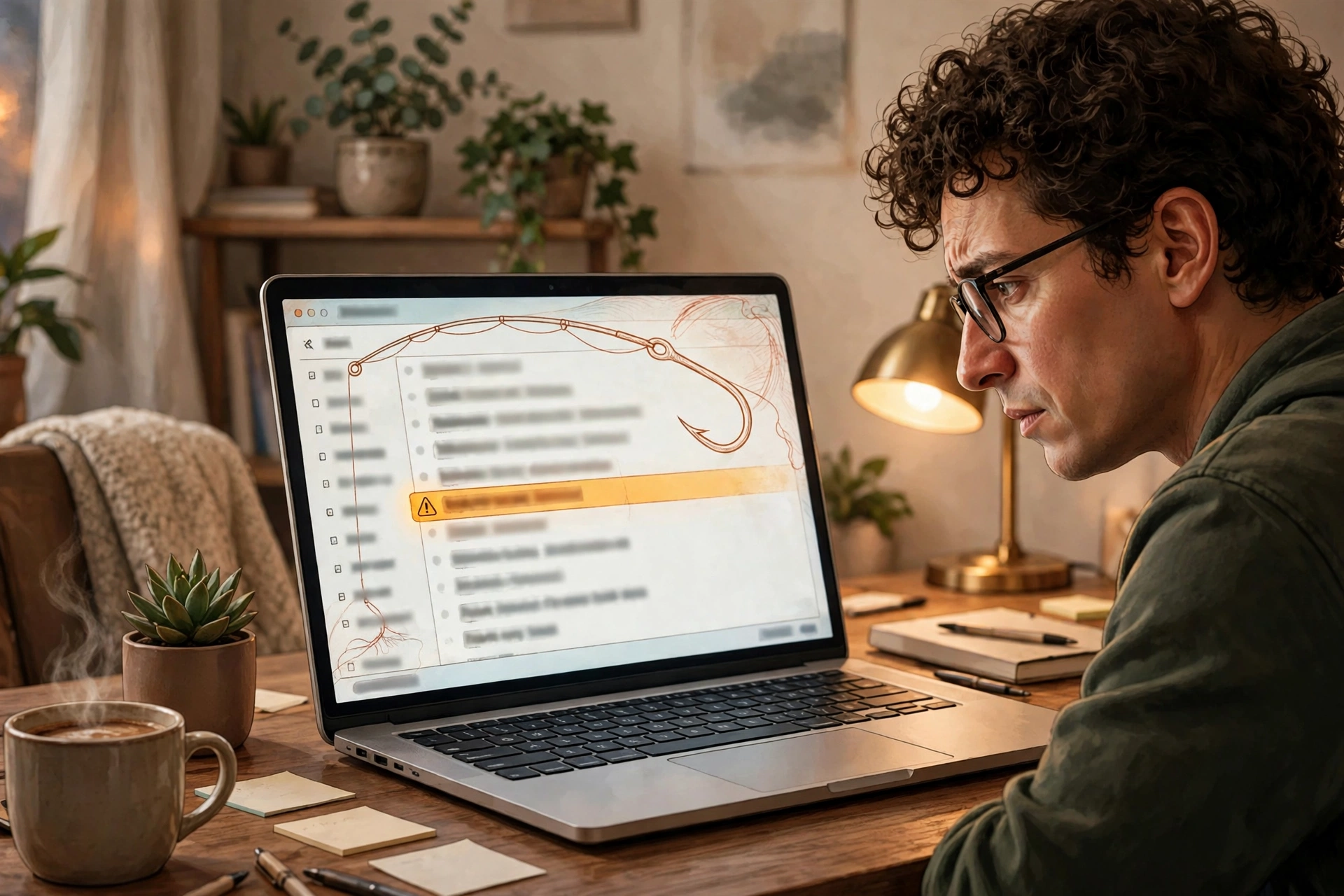
Picture this. You open your inbox on a normal Tuesday morning. One email stands out at once. It mentions your manager by name. It refers to a project you actually worked on last month. It even gets your job title right.
So you relax. This one looks real. That feeling is exactly the trap. This is spear phishing explained in one uncomfortable sentence: a scam email built just for you, not blasted out to thousands of strangers.
Most phishing is loud and sloppy. Spear phishing is quiet and personal. And right now, it is growing fast. A new industry report says spear-phishing attacks rose 41.1% in the past year. We will look at what changed, how to spot these messages, and what to do in the first minute after one lands.
Spear Phishing Explained: What It Really Is
Spear phishing is targeted phishing. The attacker picks one person, or a small group, and studies them first. Then the attacker writes a message that fits that person’s work, life, or routine.
Bulk phishing works the other way round. It sends the same fake parcel notice or prize claim to everyone. It hopes a few people click. Spear phishing hopes one specific person trusts one specific message.
Think of it like this. Bulk phishing is a net thrown into the sea. Spear phishing is a single hook, baited with something you like. That is why it feels so convincing. The details are real, even when the sender is not.
One common mistake is to assume only bosses get targeted. In fact, assistants, finance staff, IT workers, and new starters all get picked. Anyone with access, information, or a helpful nature can be a target.
How Attackers Research You Before They Write
Attackers rarely guess. They gather small, public details and join them up. Your company website may list your team. Your social profiles may show your role, your city, and a recent event you attended. A supplier invoice or a conference list can fill in the rest.
Here is a realistic example. Say you posted photos from a work conference last week. A scammer could email you the next day about “the slides from the conference.” The subject makes sense. The timing makes sense. Only the link does not.
Pre-attack scouting rose 33.7% in the same report. That means attackers now spend more time watching before they strike. They learn who approves payments, who resets passwords, and who answers the phone when the boss is away.
AI tools have sped this up. They can polish wording, copy a company’s tone, and turn a breaking news story into a lure within hours. The result reads smooth and human. It no longer looks like the broken-English scams of ten years ago.
Why Spear Phishing Is Surging Right Now
KnowBe4’s Phishing Threat Trends Report, Vol. 8, released in late October 2026, tracks this shift clearly. Overall phishing volume grew 29.8% year over year. Yet mass, low-effort scams fell sharply. Mobile-focused scams dropped 47.3%. Advance-fee fraud fell 31.3%.
At the same time, targeted attacks climbed. Spear phishing rose 41.1%. Company impersonation grew 28%. Business email compromise still made up 51.2% of phishing types in the report.
Another change matters just as much. In the third quarter of 2026, an attack was twice as likely to come from legitimate infrastructure as in the previous quarter. In plain terms, scammers now hide on trusted platforms. A fake sign-in page may sit on a real cloud or AI service domain. That makes the old advice — “check for a strange domain” — less reliable on its own.
So the threat has not just grown. It has changed shape. Fewer spray-and-pray messages, more messages aimed at you by name.
Five Signs of Spear Phishing to Watch For
No single sign proves a message is fake. But two or three together should make you pause. Run through this list before you click, reply, or download anything.
1. It knows just enough about you
Real details do not prove a real sender. Attackers can copy your project name from a public post. They can name your manager from a staff page. Ask yourself one question: did I expect this message, from this person, in this way?
2. The request breaks the normal pattern
Watch for a sudden change in routine. Your finance lead never asks for gift cards by email. Your IT team never asks for your password in a chat message. A request that skips the usual process is a red flag, even if the tone sounds polite.
3. Urgency pushes you to act now
“Your account closes today.” “Pay this invoice before noon.” “Confirm now or lose access.” Urgency is a tool. It stops you thinking. A genuine urgent request will still survive a five-minute check through a separate channel.
4. The link or attachment does not match the story
Hover over a link before you tap it, on a desktop at least. Does it point where the message claims? Does an “invoice” arrive as an unusual file type? If the destination and the story do not match, stop there.
5. The reply route feels off
Check the sender address closely, not just the display name. Look for a swapped letter, an added word, or a public email service where a company domain should be. Also beware of a message that asks you to reply to a different address than the one it came from.
The 60-Second Check That Stops Most Attacks
When a message feels even slightly wrong, use this quick routine. It takes about a minute, and it beats clever wording every time.
First, do not click, reply, or download. Just pause. Second, verify through a channel you choose yourself. Call the person on a number you already have. Message them in your normal work chat. Walk over to their desk if you can.
Third, never use contact details from the suspicious message itself. A scammer will happily answer their own phone number. Fourth, if you cannot verify it, report it. Use your email provider’s report button or your company’s security contact. Then delete it.
This habit matters because spear phishing is a people problem, not just a software problem. Filters catch a lot, but a well-written message can still reach your inbox. Your pause is the last line of defence.
For a wider look at how these tricks work, read our guide to AI social engineering. It shows how attackers use AI voices, video, and messages to trick people rather than computers.
If You Already Clicked or Typed Your Password
Do not panic, and do not hide it. Speed matters more than embarrassment here. Change that password at once, from a device and a link you trust — not from the suspicious email.
Next, turn on two-factor authentication if it is not already on. Our guide to two-factor authentication walks through the setup for your most important accounts, step by step.
Then check for damage. Look at recent sign-ins, sent mail, and account settings. Tell your IT team or your bank if money or work systems could be involved. Early reporting lets them revoke sessions and warn others before the same lure spreads.
If your email itself was taken over, follow our first-hour checklist for a hacked email account. It covers recovery, contacts, and the settings attackers often change quietly.
How to Make Yourself a Harder Target
You cannot stop attackers from researching public information. You can, however, make that research less useful. Review what your public profiles reveal about your role, your team, and your projects. Remove details that help no one but a scammer.
Next, lock down the accounts that matter most. Use a password manager, unique passwords, and phishing-resistant sign-in where it is offered. Passkeys, for example, do not give an attacker a password to steal, even if you land on a fake sign-in page.
Also agree on a verification habit with your team. For payment changes, password resets, or sensitive files, always confirm by a second channel. When everyone does this, one careful person protects the whole group. The US Cybersecurity and Infrastructure Security Agency (CISA) gives the same core advice in its guidance on avoiding social engineering and phishing attacks: verify suspicious requests directly, and report them through the proper channel.
Finally, keep your software updated and your email filters on. These tools will not catch every targeted message. They still cut down the noise, so the real threats are easier to spot.
Frequently Asked Questions
What is the difference between phishing and spear phishing?
Phishing targets many people with the same generic lure. Spear phishing targets one person or a small group with personal details. That personal touch is what makes spear phishing harder to spot.
Can spear phishing happen outside email?
Yes. It also arrives by text, phone call, work chat, and social media messages. The channel changes, but the method stays the same: research, a believable story, and pressure to act.
Does antivirus software stop spear phishing?
It helps, but it cannot stop it alone. Antivirus may block a malicious link or file. It cannot judge whether a polite, well-written request from a fake boss is real. Your verification habit fills that gap.
Should I reply to ask if a message is real?
No. Replying tells the attacker your address is active, and it may go straight to the scammer. Verify through a separate, trusted channel instead, then report the original message.
The Takeaway
Spear phishing explained in short: it works because it feels personal. The email knows your name, your project, or your manager. That familiarity lowers your guard in exactly the wrong moment.
So change the habit, not just the tools. Pause when a message surprises you. Verify through a channel you trust. Report it when it fails the check. Do that every time, and the most targeted scam in your inbox becomes the easiest one to stop.