
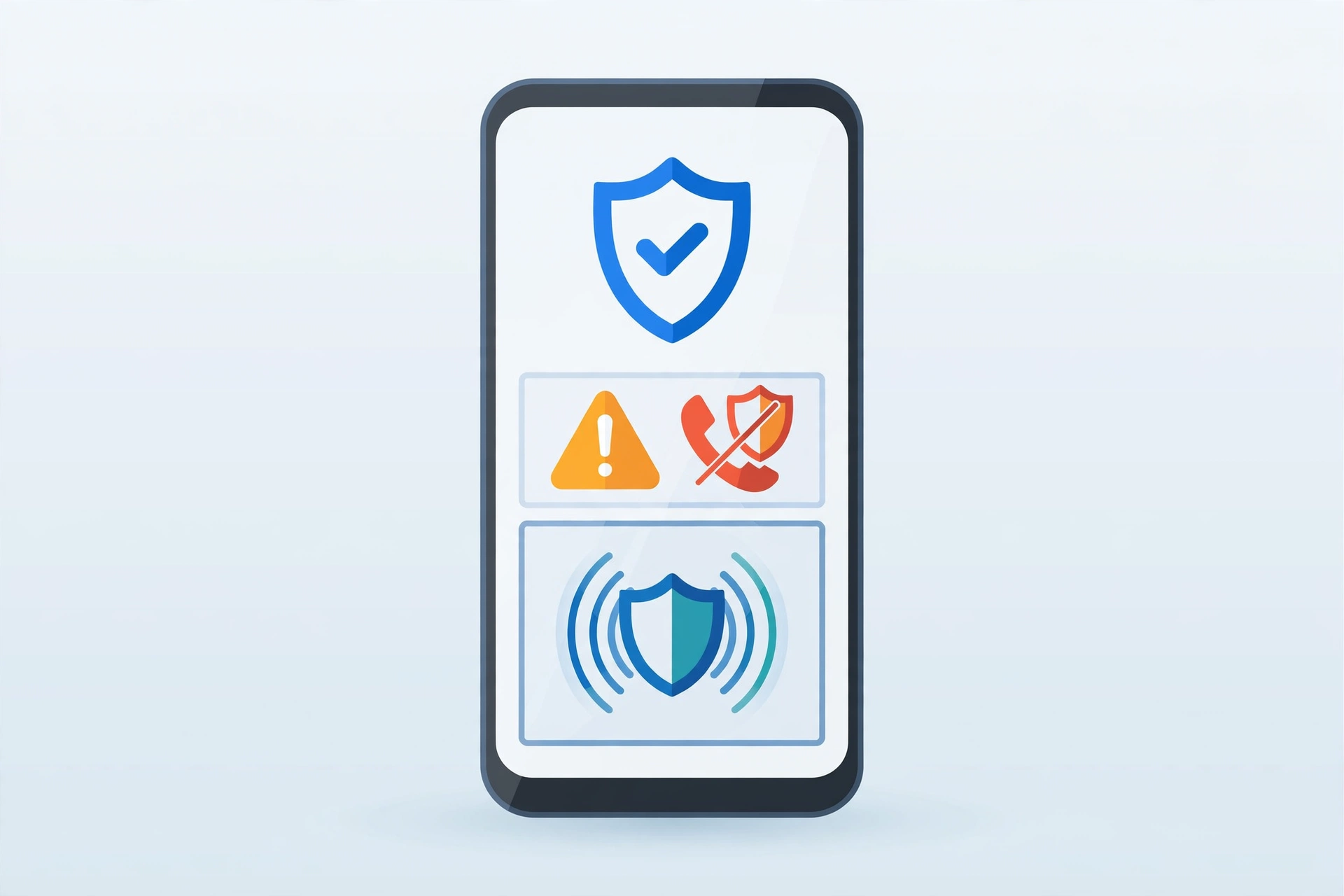
The call looks real. It shows your bank’s name, and the voice sounds calm and official.
Then comes the line that should scare you. “Sir, just read out the code we sent you.”
That one moment is where most phone scams are won or lost. Google knows it, and its latest Android update is built around stopping you right there, before you tap, share, or read out anything.
On 14 October, Google announced a fresh set of new Android scam protections across calls, texts, and chat apps. Here is what changed, what is still rolling out, and what you should do on your own phone today.
What Google actually announced
Google set out the changes in its official post, “New Android protections to help keep you safe from mobile scams”, published on 14 October 2026.
The package has three main parts. First, there is a new Enhanced protection mode inside Google Messages.
Second, scam alerts in chat notifications are expanding beyond Pixel phones. Third, there are new safeguards around screen sharing and call forwarding.
None of this lands on every phone at once. Parts roll out in the coming weeks, and others arrive later this year with phone makers.
Google also gave some scale. It says Scam Detection in Phone by Google and Google Messages now flags more than 5 million suspected scam calls and texts every month.
In a Google and YouGov survey, 40% of users said they are now very or extremely worried about mobile fraud.
Enhanced protection in Messages: AI reads the slow scam
Old scam filters were good at one thing. They caught the obvious junk text with a bad link.
New scams work slower, though. A friendly chat starts, trust builds over days, and only then does the request for money arrive.
Think of a common case. A stranger chats about a job, then a small task, then asks you to pay a fee to release your earnings. Each single message looks harmless. The trap only shows in the full thread.
That is the gap Enhanced protection aims at. With this opt-in mode on, Scam Detection can use cloud Gemini models to judge the full chat with an unknown sender.
Google says that cloud check runs inside Private AI Compute. Your data stays encrypted there, in a dedicated space that stays private to you and out of reach for anyone else, Google included.
The same mode sharpens link checks too. On the phone itself, Gemini Nano can weigh real-time web signals to judge a new link before you tap it.
You also get clearer warnings before you tap links from numbers that are not in your contacts. A pause at that exact moment is often all a person needs.
One honest limit, though. Enhanced protection is opt-in, and Google says it rolls out in the coming weeks. If you do not see it yet, that is normal, not a fault on your phone.
For more ways to tighten your phone’s privacy in the meantime, see our guide to privacy focused mobile apps. It pairs well with these built-in tools.
Scam alerts are leaving Pixel and going wider
Until now, one handy feature lived mostly on Pixel phones. Scam Detection could warn you about a suspicious message right inside your notification shade.
You saw the warning before you even opened the chat app. That early warning is the whole point. It breaks the scammer’s script before the chat starts.
Google now says it is working with Android phone makers to bring this on-device alert to hundreds of millions more users later this year.
Picture a parent with a mid-range phone. A fake parcel message lands at a busy hour, and that early warning gives them a chance to stop and think.
No date is promised for every model, though. Rollout will vary by maker, model, and country, so do not expect it on a fixed day.
Screen sharing and call forwarding: the quiet tricks get blocked
Some scams do not need a link at all. They need your screen, or your calls.
Your login stays hidden while you share your screen
Screen sharing helps family fix phone problems. Scammers abuse the same tool, though, by watching you type passwords and card details.
Android already hid sensitive details inside native apps during shares. Google says that cover now extends to Chrome and Android WebView too.
In plain words, login fields and payment screens blank out during a live share. A fake support agent on the other side sees a blank, not your card number.
Call forwarding can no longer be switched on in secret
This one targets OTP theft directly. A scammer tricks you, or a hidden app tries, to forward your calls to another number.
Your one-time codes then go to the scammer, and your accounts follow. Google says Android now blocks apps from quietly turning on call forwarding in the background.
And if someone talks you into typing a forwarding code on your dial pad yourself, Android warns you before that code takes effect.
That warning is your last clear chance to hang up. Treat any request to dial such a code as a red flag, every time.
Of course, no phone feature replaces a strong sign-in on its own. If you have not done it yet, our explainer on passkeys and moving beyond passwords shows a safer way to protect key accounts.
Verified bank calls: when “your bank” is not your bank
The last piece goes after bank impersonation, the scam from the start of this article.
Here is how Google describes it. Android works with the bank’s official app to check, in real time, whether the bank truly started the call.
If a caller claims to be the bank but fails that check, Android ends the call and alerts you at once.
Google says this system, built with partners such as Banco do Brasil and Itaú Unibanco, has blocked more than 3 million spoofed calls since June. Other banks, including Revolut, are covered too.
Do not read that as full cover where you live, though. Your bank must take part, and rollouts differ by country. Still, the direction is clear, and it is the right one.
While you check your phone, basic housekeeping helps too. See our guide to freeing up storage on Android for a clean-up that keeps your photos safe.
What you should do now
You cannot force the rollout to arrive faster. But you can get ready, and you can close the gaps these tools do not cover.
- Keep Google Messages, Phone by Google, and your system software up to date. New protections ride in on updates.
- When Enhanced protection appears in Messages settings, turn it on and read its privacy note first, so you know what it does.
- Never read out a one-time code on a call. A real bank will not ask you for it.
- Never dial a forwarding code because a caller told you to. Stop, hang up, and call your bank on its official number instead.
- Do not share your screen with a stranger who contacted you first. Only share with people you chose and trust.
- Slow down on links from unknown numbers, even if a warning does not appear. No filter catches everything.
That last point is the honest one. These tools cut risk a lot, but they do not make scams impossible.
Frequently asked questions
Are the new Android scam protections free?
Google presents them as built-in Android and Google Messages protections, not a paid add-on. What you get, and when, depends on your phone model, your region, and the rollout stage.
Do I need to turn on Enhanced protection myself?
Yes. Google calls it an opt-in mode inside Google Messages. It rolls out in the coming weeks, so check your Messages settings after updates if you do not see it yet.
Does the cloud check read my private chats?
Google says the enhanced check looks at chats with unknown senders to judge scam intent. It also says that check runs in Private AI Compute, where data stays encrypted and out of reach for others, Google included.
Will my phone get the chat notification alerts?
Maybe, but not on a promised date. Google says it is working with phone makers to reach hundreds of millions more users later this year. Availability will vary by device.
What if my bank is not part of verified financial calls?
Then that specific check cannot protect you yet. Use the old rule instead: hang up on any surprise bank call, and call the number on your card or in the official app yourself.
The takeaway
Scams used to be easy to spot. Bad spelling, strange numbers, obvious lies.
That world is gone. Today’s scams sound polite, look official, and take their time, so your phone has to spot the pattern for you.
These new Android scam protections are a real step in that direction, from message checks to hidden login screens to blocked call forwarding. Turn them on as they reach your phone, keep the habits above, and that scary bank call becomes a call you end, not a loss you explain later.