
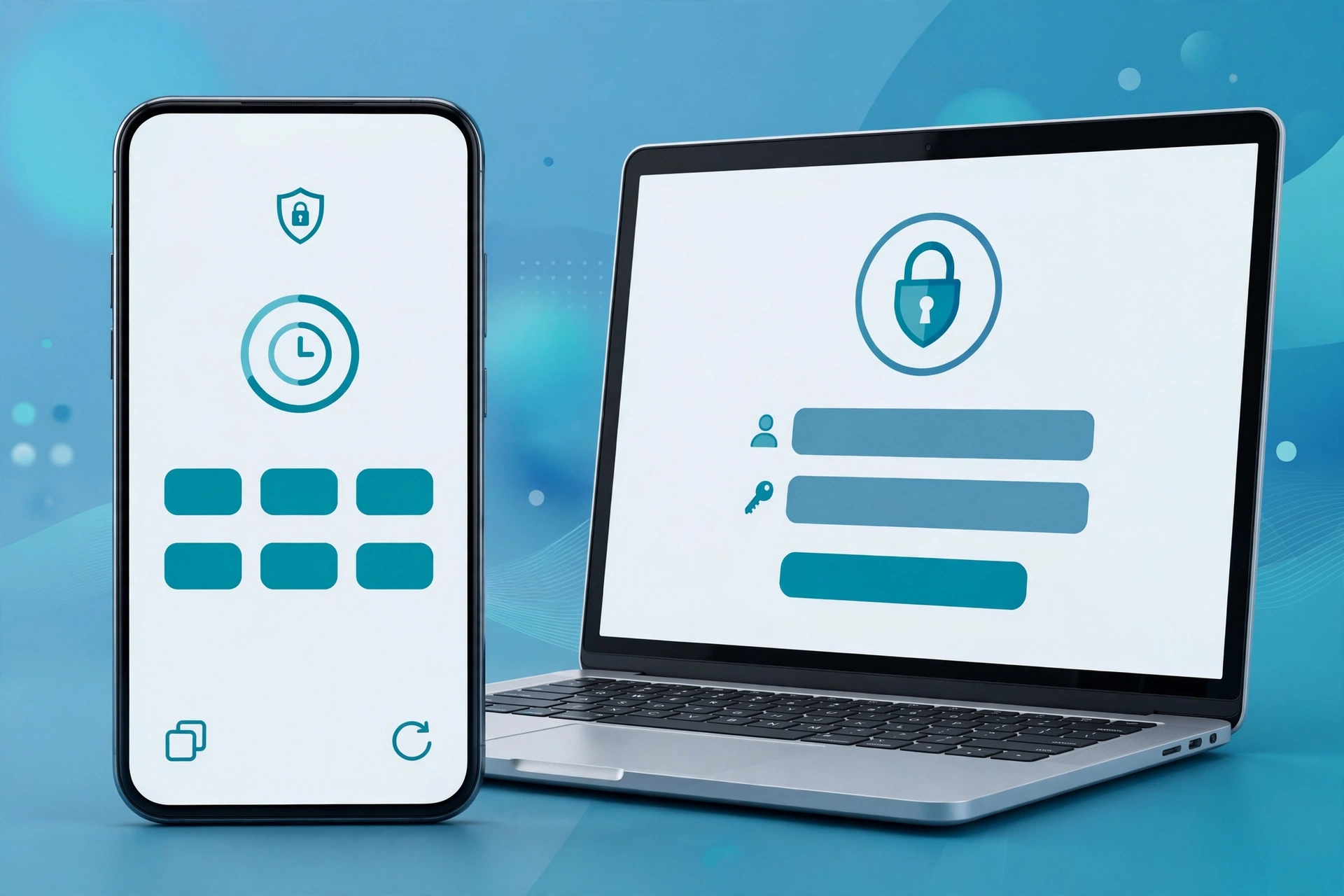
A strong password helps. But on its own, it fails more often than you’d expect. Two-factor authentication explained simply is this: after your password, the account asks for one more proof that it’s really you.
That extra proof stops most account takeovers cold. Even if a criminal buys your password from a leak, they still cannot get in. They do not have your phone or your security key.
This guide walks you through it step by step. You will learn which method to pick, which accounts to fix first, and how to avoid locking yourself out.
Why a Password Alone Is Not Enough
Passwords fail in predictable ways. People reuse them across many sites. One breached site then exposes the rest. Attackers also harvest passwords through fake login pages.
Consider a common story. A small shop owner reuses one password for email and social media. A random game site leaks its database. Within days, strangers are inside her email, resetting other accounts. Her password was long, but reuse made it weak.
Phishing makes this worse. A convincing fake page can capture a password in seconds. Our guide to phishing prevention shows how those pages work. Two-factor authentication adds a wall behind the password, so one mistake does not end the story.
The Main Methods, Ranked Honestly
Not every second factor is equal. Some are strong, and some are merely better than nothing. Here is the honest order, from strongest to weakest.
Security keys and passkeys
These sit at the top. A security key is a small physical device you tap or plug in. A passkey works in a similar phishing-resistant way. We covered that shift in our guide to passkeys and moving beyond passwords. Use them wherever your important accounts offer them.
Authenticator apps
An authenticator app generates a fresh six-digit code every 30 seconds. The code lives on your phone, not on the mobile network. That makes it much harder to intercept. Apps like these are trending right now for a good reason: people want codes that no carrier can reroute.
SMS and email codes
Text message codes are the weakest option here. Criminals can sometimes hijack a phone number through SIM swapping. Still, an SMS code beats no second factor at all. So enable it if it is your only choice, then upgrade later.
The CISA guidance on multifactor authentication gives the same ranking. Stronger factors resist phishing, while SMS remains a fallback.
Which Accounts to Secure First
Do not try to fix everything in one evening. Start with the accounts that unlock all the others. A short priority list keeps the job manageable.
First, secure your main email account. Password resets for almost everything land there. Second, protect your banking and payment apps. Money is the obvious target.
Third, cover your cloud storage and photo accounts. They hold personal files and memories. Fourth, add protection to your social media accounts. A hijacked account can scam your friends in your name.
Finally, secure your work accounts and password manager. Once these are done, the rest can follow gradually. Also protect the network those accounts run on, using our guide on how to secure your home Wi-Fi router.
How to Turn It On, Step by Step
The exact menus differ per service, but the flow is nearly always the same. First, open the account’s security settings. Then look for “two-step verification” or “two-factor authentication”.
Next, choose your method. Pick the authenticator app if it is offered. Scan the QR code with the app. After that, enter the six-digit code to confirm.
Then save your backup codes right away. Do not skip this part. Finally, sign out and sign back in once, to test that everything works. A quick test now prevents a locked door later.
Save Your Backup Codes Like Keys
Backup codes rescue you when your phone is lost or broken. Each code works once. Services usually give you a set of eight to ten.
Store them somewhere safe and offline. A printed copy in a locked drawer works well. You can also keep them in an encrypted note inside a password manager. Never store them in a plain photo or an email draft.
Here is why this matters. A student loses her phone during a trip abroad. Her authenticator app is gone, and her codes are on that same phone. She spends three days fighting account recovery. A printed copy at home would have fixed it in minutes.
When You Change Phones
Phone upgrades break two-factor setups all the time. People set up the new phone and wipe the old one. Then they discover their codes did not move across.
So plan the move before you erase anything. First, open each authenticator entry on the old phone. Then re-link it on the new phone, or use the app’s transfer feature. After that, test a login for each key account.
Only wipe the old phone when every test passes. That order sounds obvious, yet most lockouts happen exactly here. Ten careful minutes now save days of recovery forms.
Common Mistakes to Avoid
A few small habits quietly weaken the whole setup. The first is approving prompts you did not trigger. If a sign-in request appears while you are not logging in, deny it. Someone may be testing your stolen password at that moment.
The second mistake is keeping codes in screenshots. Photos sync to cloud galleries, and galleries get shared. A code in your camera roll is not really a secret anymore.
The third mistake is using one phone number everywhere without a carrier PIN. Ask your mobile provider about SIM-swap protection. A short PIN on the account makes number hijacking much harder. Together, these small fixes keep your second factor genuinely yours.
Frequently Asked Questions
Is two-factor authentication the same as MFA?
Almost. Two-factor authentication uses exactly two proofs. MFA, or multifactor authentication, means two or more proofs. So 2FA is simply the most common form of MFA.
What if a site does not offer 2FA?
Then lean on the basics. Use a long, unique password from a password manager. Turn on login alerts if the site offers them. And consider whether that account should hold anything sensitive at all.
Can hackers bypass two-factor authentication?
Sometimes, but it is much harder. Fake pages can trick people into typing a code in real time. That is why app prompts and passkeys are safer. Always check the site address before entering any code.
Do I need 2FA if I already use passkeys?
A passkey already includes strong built-in protection. Many services treat it as the full login by itself. Still, keep 2FA on accounts that do not support passkeys yet. Both layers can happily coexist.
The Takeaway
One leaked password should never hand over your whole digital life. Two-factor authentication makes sure it cannot. Start with your email and banking today. Then work down the list this week. It is a small habit with an outsized payoff.