
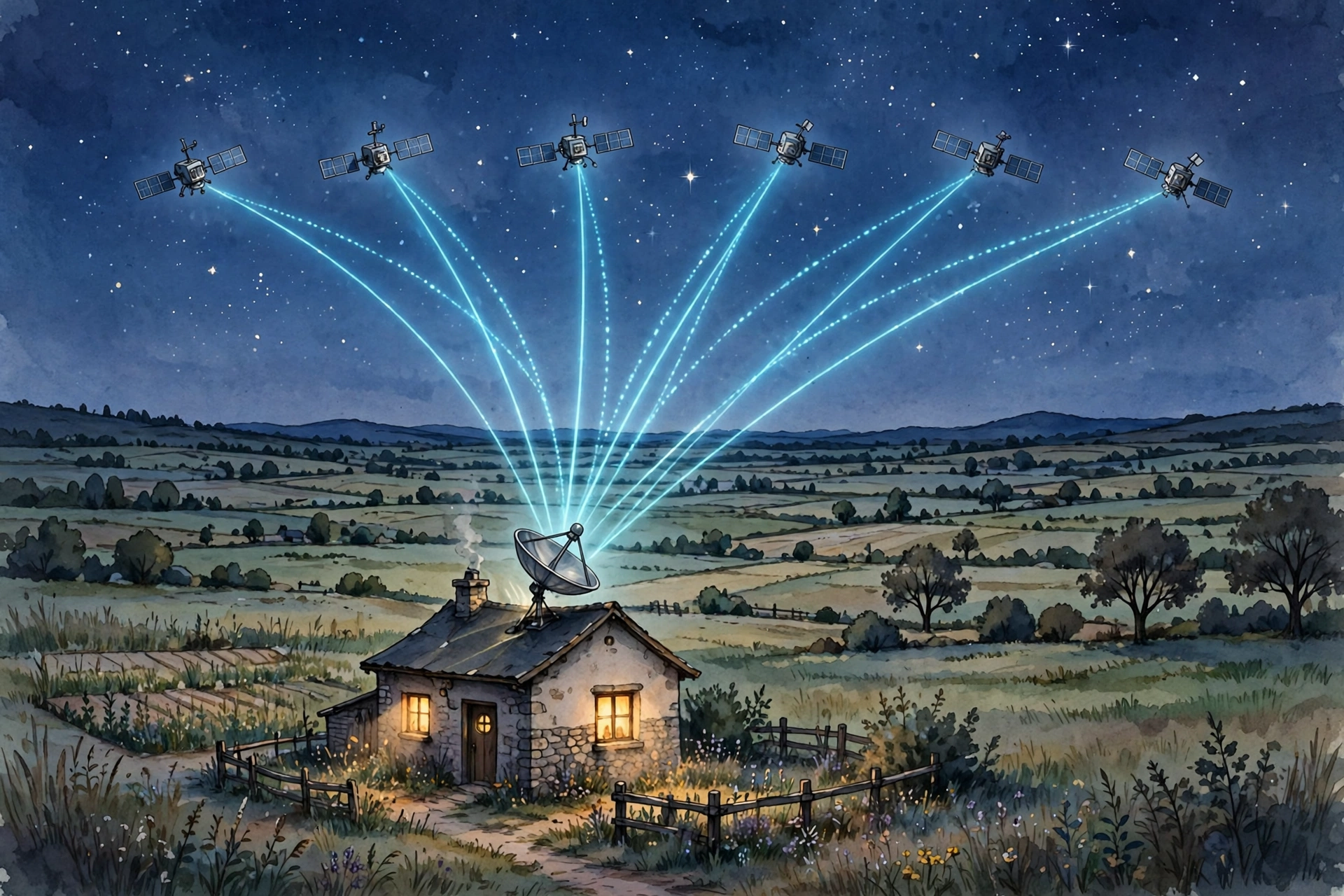
Picture this: you move into a house at the end of a quiet lane, the kind of place where the nearest fibre cable stops two villages away. The broadband checker says “sorry” in three different ways, and your video calls freeze every time someone else in the house opens a photo. Satellite internet sounds like the answer — but what does that actually mean, and will it fix your problem or just move it higher up?
Satellite internet explained in plain words is this: instead of a cable running to your house, your connection travels up to a satellite and back down again. That’s the whole trick. The details matter, though, because not all satellite internet is the same — and the difference between the old kind and the new kind is the difference between a call that lags and one that feels normal.
Satellite internet explained: how it actually works
Every satellite connection has the same four players. There’s a small antenna at your home — a dish or a flat panel — a satellite overhead, a ground station somewhere on Earth, and the wider internet that ground station plugs into.
When you tap a link, your antenna sends the request up to the satellite. The satellite passes it down to the ground station, which fetches the page from the internet. Then the whole journey runs in reverse: ground station to satellite, satellite to your dish, dish to your router, router to your phone. It happens in a fraction of a second, but the distance involved is what shapes everything else about the experience.
Here’s a scenario that makes it concrete. A family in a rural house uses satellite internet as their only connection. In the morning the kids do schoolwork on a laptop while a parent joins a work call. Nothing fancy — just normal use. For that family, the question isn’t “is satellite internet futuristic?” It’s “can two people use it at once without everything grinding to a halt?” Keep that test in mind as you read on, because it’s the test that matters.
Old satellites vs the new low-orbit crowd
The older kind of satellite internet uses a handful of very large satellites parked in what’s called geostationary orbit, roughly 36,000 kilometres above the equator. They stay fixed over one spot, which is convenient, but the signal has a very long round trip. That’s why older satellite connections felt laggy on video calls — the data was travelling a huge distance twice over.
The newer services work differently. They use thousands of much smaller satellites in low Earth orbit, only a few hundred kilometres up. Each one races across the sky in minutes, so your antenna hands over from one satellite to the next without you noticing. The trip is far shorter, so the delay drops a lot — video calls and even online gaming become realistic in a way they simply weren’t on the old systems.
That shift is also why satellite internet is in the news again in October 2026. Big telecom operators in Europe have just taken their first formal step toward a joint satellite spectrum bid, and new satellite constellations keep coming up in tech coverage. The technology stopped being a last resort and started being a genuine part of how countries think about connectivity. If you want the bigger picture on where this kind of technology sits, our guide to future technology explained in simple words puts satellite broadband alongside the other shifts reshaping everyday life.
What the dish on your roof actually does
On the old systems, the dish had to point at one fixed point in the sky and stay there. On the new low-orbit systems, the flat panel antenna steers its signal electronically, tracking satellites as they pass. You still need a clear view of the sky — a roof, a pole in the garden, or a clear spot on a balcony — but you don’t need to aim it by hand, and most providers’ apps will tell you if a tree or a chimney is in the way.
One common mistake: people mount the dish where it’s easy to reach, not where the sky is clearest. A dish tucked under a roof overhang might look tidy, but if half the sky is blocked, the connection will drop whenever the only satellite in range sits behind that obstruction. Sky view beats convenience, every time.
Who satellite internet is genuinely good for
Let’s be honest about who wins here — satellite internet explained for real households comes down to where the cables don’t reach. Satellite internet makes the most sense when the alternatives are thin or missing:
- Rural and remote homes where fibre and cable simply don’t reach, and the mobile signal is one bar on a good day.
- A backup connection for a home office or small business — if the landline goes down, work doesn’t have to stop.
- Moving setups like a camper van, a boat, or a seasonal cabin, where you can’t exactly ask someone to dig a trench.
- Places hit by storms or outages, where a dish that talks to the sky keeps working when the local poles don’t.
Think of a small shop owner in a village who takes card payments and answers customers on messaging apps. Her mobile signal drops every afternoon. A satellite connection wouldn’t make her shop futuristic — it would just make the card machine work reliably. That’s the real use case: not glamour, but a connection that shows up.
The honest limits nobody should skip
Satellite internet is better than it used to be, but it still has limits, and any guide that hides them is doing you a disservice.
Weather matters. Heavy rain or thick snow can weaken the signal, because the signal has to pass through the atmosphere twice. A light shower usually won’t bother a modern system, but a proper storm might slow things down or cause short dropouts.
Obstructions matter. Trees, tall buildings, and mountains block the view of the sky. If your only clear patch of sky is small, your connection will be less steady than someone with an open horizon.
Speed varies by place and plan. A satellite network is shared — when many people in one area use it at once, everyone gets a smaller slice. Speeds also depend on which plan you choose and how many satellites cover your region. Don’t judge the technology by one neighbour’s experience; judge it by what the provider can actually deliver at your address.
There’s hardware up front. Unlike a fibre deal where the router arrives in a box, satellite internet usually means buying the antenna kit first. That’s a real cost to factor in before you compare monthly prices.
Another mistake people make: signing up without checking the view of the sky first. Most providers offer an app that scans your sky using your phone’s camera. Use it before you pay anything. Five minutes with that app can save you a return, a reinstall, or a year of grumbling.
Satellite vs 5G home internet vs fibre
So how do you choose? Think of it as three different tools, not three versions of the same thing.
Fibre is still the best option if you can get it — fast, steady, and unaffected by weather. If fibre reaches your door, take it. 5G home internet is a strong middle option where the mobile signal is good; it uses a router that talks to a nearby mast, and it’s often quick to set up. Our guide to 5G technology and the connected future explains how that side of wireless connectivity works.
Satellite internet wins where the other two can’t reach. That’s satellite internet explained in practical terms: coverage first, speed second. It’s the option for the house at the end of the lane, the cabin in the hills, the business beyond the last mast. You trade a bit of weather sensitivity for coverage almost anywhere on Earth. That’s a trade worth making when the alternative is no broadband at all — and a bad trade when fibre is already at your door.
There’s a bigger pattern here, too. Satellite networks, 5G, and smart home systems are starting to work together rather than compete — the connected systems we describe in our look at AI-powered ecosystems transforming the digital landscape increasingly assume connectivity can come from more than one source. Your home of the future probably won’t rely on a single pipe.
A quick checklist before you sign up
- Check your sky view with the provider’s app before paying for hardware.
- Confirm the service actually covers your exact address — coverage maps are optimistic by nature.
- Ask what happens in bad weather and whether there’s a fair-use policy that slows you after heavy use.
- Compare the total first-year cost, hardware included, not just the monthly figure.
- Keep your old connection running until the new one has proved itself for a week.
That last point is the one people skip most often. Run both connections side by side for a few days. Let the family use the satellite link for school, work, and streaming, and see what actually breaks. Then cancel the old one with confidence — or send the dish back while you still can.
Frequently asked questions
Does satellite internet work in bad weather?
Light rain usually causes no trouble, but heavy rain or thick snow can slow or briefly interrupt the signal, since it must pass through the atmosphere twice. A clear sky view and a well-mounted antenna reduce the effect.
Can you play online games on satellite internet?
On modern low-orbit services, yes — the shorter round trip makes gaming realistic for most players. On older geostationary services, the delay makes fast-paced competitive games frustrating.
Do you need a professional to install it?
Many low-orbit kits are designed for self-installation: mount the antenna with a clear sky view, plug it in, and follow the app. If your roof is high or awkward, a professional install is worth paying for.
Is satellite internet good for working from home?
For video calls, email, and document work, a modern satellite connection handles it well. If your job involves huge file uploads all day, check the plan’s upload performance and any fair-use limits first.
Will satellite internet replace fibre?
No — and it doesn’t need to. Fibre remains the best option where it exists. Satellite internet fills the gaps fibre can’t reach, which is a huge job on its own.
The bottom line
Satellite internet explained simply: it’s a connection that trades a cable for a trip to space and back. The new low-orbit systems made that trade far better than it used to be — good enough for work calls, school, streaming, and everyday life in places the cables forgot. It’s not magic, and it’s not for everyone. But if your address is the one the broadband checker keeps apologising to, check your sky, compare the full first-year cost, and test it before you cancel anything else. For millions of homes, that’s the difference between being online and being left out — and that’s worth a dish on the roof. For the technical side of how today’s low-orbit networks describe themselves, Starlink’s own overview of its satellite network is a useful starting point.