
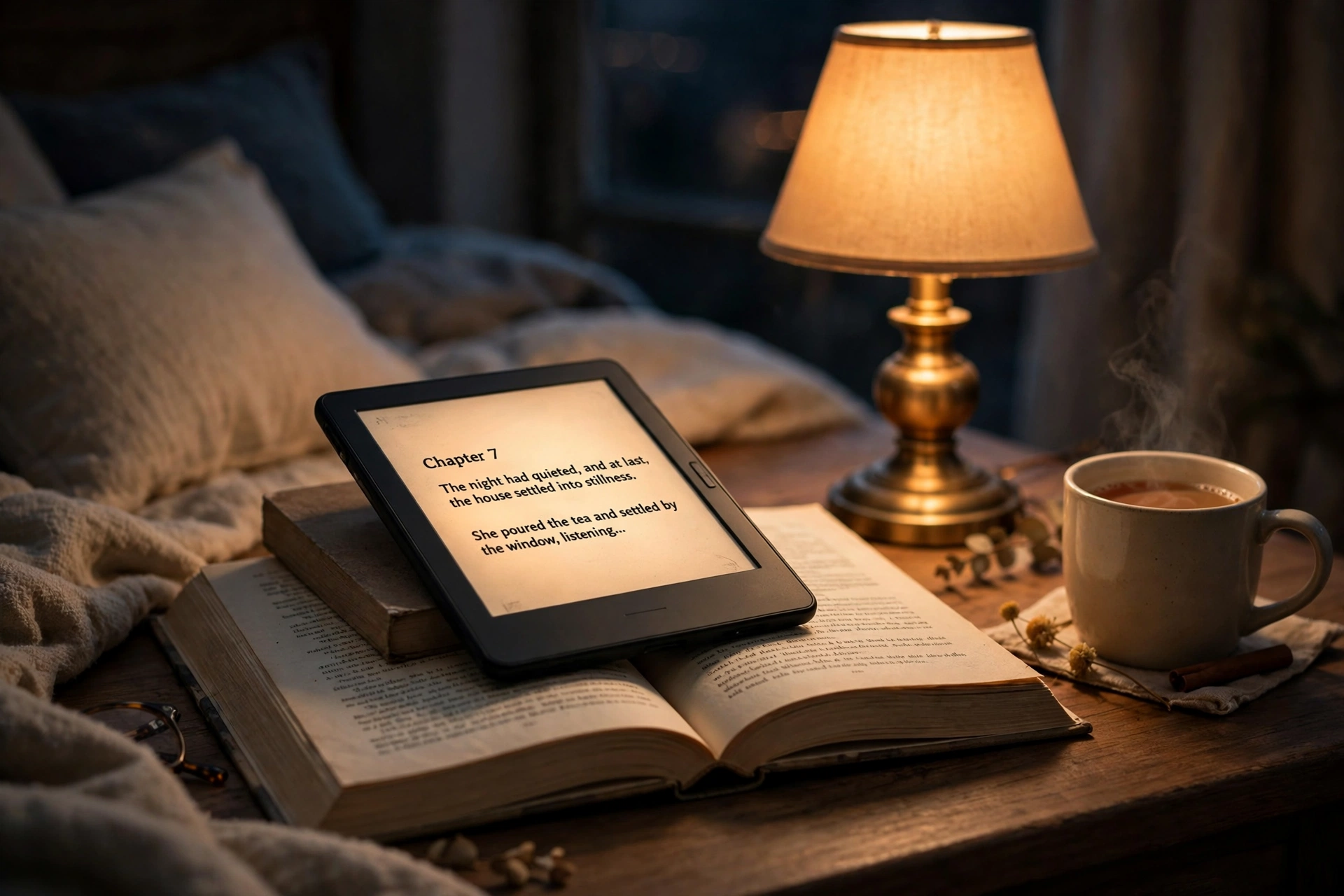
It’s 11 pm, you’re three chapters into a novel, and your phone buzzes. A message, then a news alert, then another message. You didn’t stop reading because you got bored. You stopped because your phone is built to interrupt you.
That’s the whole case for an e-reader in one scene. A dedicated reader does one job, and it does it without notifications fighting for your attention. But walk into the e-reader aisle — or, more likely, scroll through it online — and the choice gets confusing fast. Screen sizes, front lights, warm light, store ecosystems. Here’s the thing most buying guides skip: the right e-reader depends far more on how you read than on which model tops a spec sheet.
Start With How You Actually Read
Before you compare a single device, picture your last five reading sessions. Were they novels in bed? Study PDFs at a desk? Comics on the train? Library books you borrowed for free?
A night reader and a student are buying different tools, even though both are called “e-readers.” The night reader needs a comfortable screen and a warm light. The student needs a bigger screen that handles PDFs without constant zooming. The traveller needs something light that survives a week in a bag. The library borrower needs a device that actually plays nicely with library apps.
Get this part right and the rest of the decision almost makes itself.
The night reader
If most of your reading happens in bed, screen size matters less than light. A 6-inch reader is plenty, and it’s light enough to hold one-handed for an hour without your wrist complaining. Warm light — the amber tone that replaces harsh white light in the evening — is the feature you’ll actually notice every single night.
The student
Textbooks, journal articles, lecture slides. These are PDFs, and PDFs are stubborn: they keep their fixed layout no matter what screen you put them on. On a small reader, you’ll be pinching and zooming every few lines. Students should look at larger screens, or accept that a tablet might genuinely suit them better. Honesty here saves a return later.
The traveller and the library borrower
Travellers want light weight and a battery that doesn’t need thinking about. Library borrowers have one extra question that outranks everything else: does this device work with my library’s lending app? That single answer can rule half the market in or out, and we’ll come back to it below.
The Screen, in Plain Words
E-readers use e-ink, and e-ink is weird in the best way. It doesn’t glow like your phone. It reflects light the way paper does, which is why you can read it in bright sunlight without squinting, and why your eyes feel less tired after a long chapter.
Two things about the screen actually matter. First, size. Six inches suits novels and is the most pocket-friendly. Seven inches is the sweet spot if you read a mix of books and articles. Bigger than that, and you’re really buying a device for PDFs and comics.
Second, sharpness. This is measured in pixels per inch, and here’s the practical version: text on a sharper screen looks like print, while text on a low-resolution screen looks slightly fuzzy at the edges. Most current readers are sharp enough that you won’t notice. Where people go wrong is buying the cheapest model with a visibly softer screen, then wondering why reading feels like a chore. If you read every day, sharpness is worth paying a little extra for.
Colour screens are the newest option, and they’re a genuine choice now rather than a gimmick. They make comics, magazines and highlighted textbooks look far better. But — and this matters — colour e-ink screens show slightly less crisp black-and-white text than a pure monochrome screen. If you read novels 95% of the time, a colour screen buys you very little. If comics and magazines are half your reading, it changes everything.
Front Light and Warm Light: the Spec That Matters at Night
Here’s a mistake people make constantly: they compare processors and storage, then ignore the light. You’ll use the light every single time you read after sunset. You’ll never once think about the processor.
A front light shines across the screen rather than into your eyes, which is why an e-reader feels so different from a phone at night. The question to ask is whether the light is adjustable, and whether it offers a warm tone. Warm light shifts the screen toward amber in the evening, and for bedtime readers that’s the difference between a device that helps you wind down and one that keeps your brain buzzing.
Real-life test: if you read in bed most nights, pick the reader with the better warm light, even if another model has more storage or a slightly faster page turn. You will feel that choice every night. You will never feel the storage.
Where Your Books Come From (and the Lock-In Question)
This is the part nobody explains clearly, so let’s be blunt about it. Most e-readers are tied to a book store, and books you buy in one store don’t automatically move to another company’s device. That’s not a technical detail. It’s a decision about where your library lives.
There are three ways books get onto a reader. First, the built-in store: you buy on the device, and it just works. Second, library lending: public libraries lend e-books through apps, and some readers support those apps directly while others need a workaround. Third, your own files: if you already own e-books in standard formats, some readers accept them easily and some make it a project.
Amazon’s Kindle range is the obvious example of the store model — and it’s having a moment right now, with a fully redesigned Kindle family announced in October 2026, including new Paperwhite and Colorsoft models reaching buyers this month. The store is enormous and the buying experience is smooth. The trade-off is that your books live in Amazon’s world. Kobo’s readers lean the other way: they work directly with many public libraries’ lending systems, which is a huge deal if free library books are a big part of your reading.
Ask yourself one question: over the next three years, will I mostly buy books, or mostly borrow them? Borrowers should check library compatibility before anything else. Buyers should pick the store they’d be happy living in.
Battery and Storage, Honestly
E-reader battery claims sound like fantasy — weeks, not hours — and for once the fantasy is mostly true. Because the screen only uses power when the page changes, a reader sips battery in a way phones never will. Real-world use: a regular reader charges roughly once a month, not once a day. The advertised “weeks” assume moderate reading with the light at a reasonable level, and that’s close enough to real life.
Storage is simpler than it sounds. A novel is tiny — a few megabytes at most. Even a modest amount of storage holds thousands of books. Storage only becomes a real question if you carry lots of comics, graphic novels or audiobooks, which are far bigger files. For plain text reading, don’t pay extra for storage you won’t use. For comics and audiobooks, do.
The Checklist: Which Reader Are You?
The night reader: 6 or 7-inch screen, warm light, comfortable to hold one-handed. Colour doesn’t matter. Library support is a bonus, not a must.
The student: bigger screen for PDFs, sharp text, and a stylus if you annotate. Check how your textbooks actually look on the device before committing.
The traveller: lightest model you can find, long battery, enough storage for a holiday’s worth of books. Water resistance is a genuine plus if you read by a pool or on a beach.
The library borrower: library-app compatibility first, everything else second. This one check decides your shortlist.
Notice what isn’t on this list: processor speed, brand-new features you’ll use twice, and the exact number of weeks in a battery claim. Those sell devices. They don’t make reading better.
Frequently Asked Questions
Is an e-reader actually better for my eyes than a phone?
For long sessions, yes, in practice. An e-ink screen reflects light like paper instead of shining it at you, and there’s nothing competing for your attention. It’s not magic — tired eyes still get tired — but most people find they read longer and more comfortably on a dedicated reader.
Do I need a colour e-reader?
Only if comics, magazines or colour textbooks are a big part of your reading. For novels, a monochrome screen is sharper and usually cheaper. Colour is a real upgrade for visual reading, not for plain text.
Can I read library books on an e-reader?
It depends on the device. Some readers work directly with public library lending apps, while others need books transferred through a computer. Check your library’s lending system against the specific model before you buy — this is the single most common regret among new e-reader owners.
How many books can an e-reader hold?
Thousands, easily. Novels are small files, so even a base model carries a lifetime’s worth of text reading. Comics and audiobooks take far more space, so only heavy visual or audio readers need to think about storage.
The Bottom Line
Buying an e-reader is not about finding the “best” device. It’s about matching a device to the reader you already are. Work out whether you’re a night reader, a student, a traveller or a library borrower, then let that answer pick your screen size, your light and your book source. Get those three right and the rest barely matters.
And if you’re still unsure, here’s the simplest tiebreaker there is: the reader you’ll actually pick up every night is the right one. A perfect spec sheet that stays in a drawer is worth nothing. A comfortable device that turns a scroll habit back into a reading habit is worth every penny.
For more gadget buying help, see our guides on gadgets for students on a low budget, budget-friendly tech gadgets and consumer tech recommendations. Amazon’s official announcement of its redesigned 2026 Kindle lineup is a useful reference for what’s new in the current range: Amazon’s new Kindle lineup announcement.