
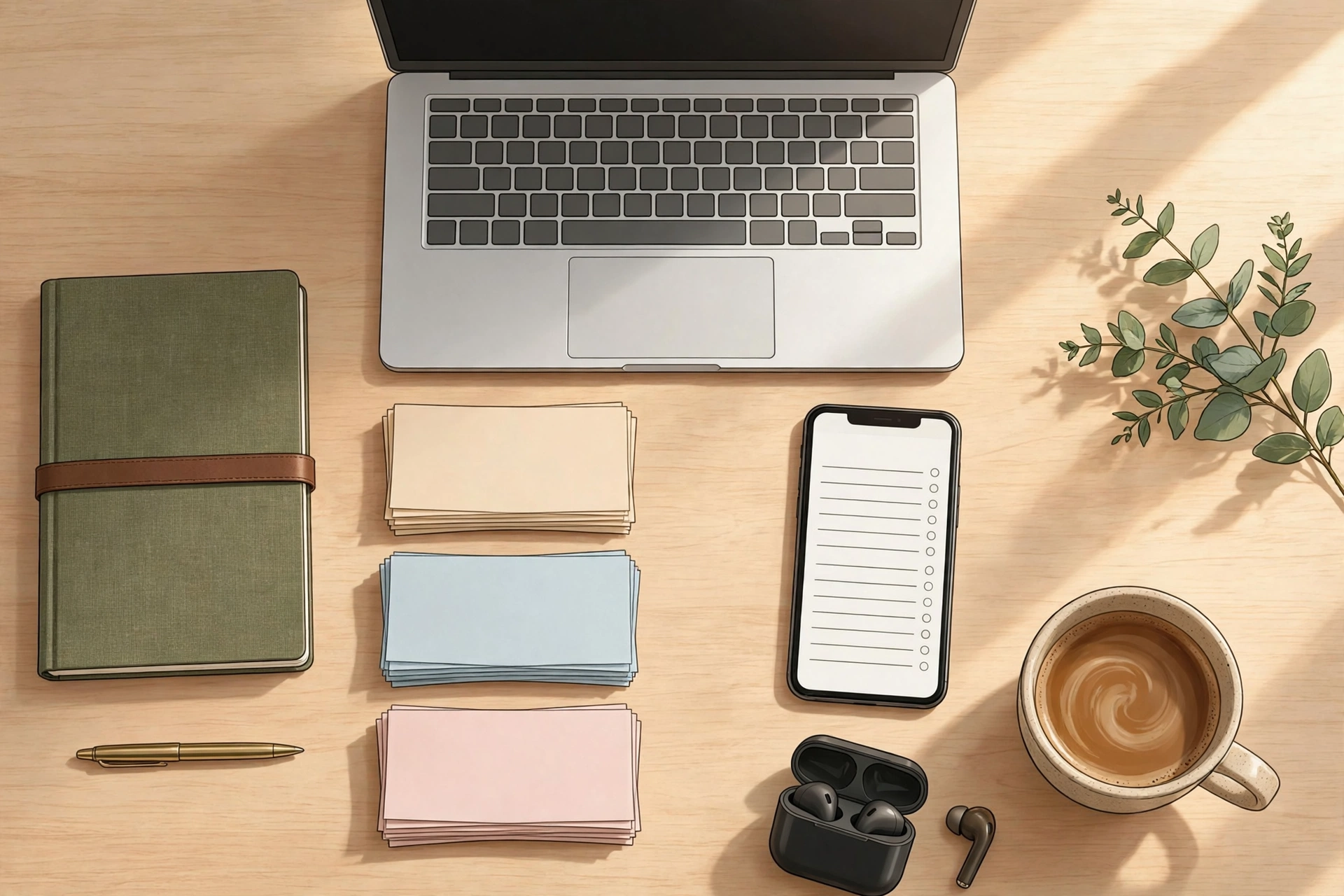
Be honest: where are your notes right now? A bit in your phone’s notes app, a few on paper, some in a chat you sent to yourself, and one very important one — you know the one — that you can’t find anywhere. Note-taking apps explained properly isn’t about which app is trendiest this month. It’s about stopping that slow leak of ideas, passwords, recipes, meeting points, and half-formed plans.
Most people don’t have a note-taking problem. They have a note-finding problem. The app you pick matters less than the system you build around it — but the wrong app can quietly sabotage the system. Here’s how to choose well, and how to keep your notes organised for good.
Why your notes keep disappearing
Notes disappear for three boring reasons, and none of them is your memory getting worse. First, you capture in too many places, so no single search can find everything. Second, you never give a note a home — it lands in a general pile with a vague title like “ideas” or “stuff”. Third, you never revisit notes, so they rot: the app changes, the phone changes, and the note stays trapped in a format you can’t easily move.
Picture a student revising for exams. Her lecture notes live in one app, her assignment checklist in another, and the reading list is a photo of a whiteboard in her camera roll. Come revision week, she spends more time hunting than studying. She doesn’t need a better memory. She needs one place, one habit, and a search that actually works.
Note-taking apps explained: the three kinds of note app — and who each one suits
Strip away the marketing and most note apps fall into three kinds. That’s note-taking apps explained at the level that matters: the kind, not the brand. Knowing which kind you are saves you from downloading six apps and using none of them properly.
1. Quick-capture apps
These are the digital equivalent of a sticky note: open, type, done. Think of the notes app already on your phone. They’re brilliant for shopping lists, phone numbers, a sudden idea in a queue, or a parcel tracking number. They’re bad for anything long, because they have almost no structure — everything sits in one long list, and finding a note from March means scrolling like it’s a chore.
Quick-capture suits you if most of your notes are short and short-lived. A parent juggling school dates and grocery lists will be perfectly happy here — and that’s fine. Not every note deserves a filing system.
2. Notebook-style apps
These organise notes into notebooks and sections, like a ring binder that never runs out of pages. They’re the natural home for study notes, work projects, recipes, and anything you want to keep for months. You can mix typed notes, photos, checklists, and handwriting on the same page, which makes them flexible in a way a plain list never is.
Notebook-style suits you if your notes have a shelf life — a student, a teacher, a project manager, anyone building a reference collection over time. If you’ve ever wished your notes app worked more like a proper filing cabinet, this is your kind.
3. Linked or knowledge-style apps
These let notes link to each other, so an idea in one note can point to a related idea in another. Writers, researchers, and anyone building up knowledge over years love this style, because it turns a pile of notes into a web you can wander through. The catch: they reward a bit of effort. If you just want to jot down milk and eggs, a linked system is a sports car for a trip to the corner shop.
Here’s the honest test. Open your current notes and count how many are over a month old and still useful. If the answer is “almost none”, quick-capture is enough. If the answer is “dozens, and I wish I could find them”, you need notebook-style or linked. Choose for the notes you actually keep, not the notes you imagine keeping.
The features that actually decide it
App stores love to list fifty features. Only a handful change your daily life. Note-taking apps explained this way, the decision gets simpler: ignore the fifty features and test the five that matter:
- Search that finds anything. Not just titles — the words inside your notes, and ideally inside photos of handwritten notes too. If search is weak, the app is a drawer, not a tool.
- Offline access. Your notes should open on a plane, in a basement classroom, or anywhere the signal dies. An app that needs the internet to show you your own shopping list has failed at its one job.
- Handwriting and attachments. If you sketch, annotate PDFs, or photograph whiteboards, check that the app handles those properly — not as an afterthought that loses quality.
- Sync across your devices. A note you take on your phone should be on your laptop when you sit down to work. Test this before you commit, not after you’ve moved two hundred notes.
- Export, so your notes are never trapped. This is the feature people check last and regret most. Before you pick an app, find out how you’d get your notes out — as files, as a backup, or in a standard format. Microsoft’s own guidance on exporting and importing OneNote notebooks is a good example of what to look for: a clear, supported way to take your notes with you if you ever switch.
One mistake people make again and again: choosing an app because a favourite creator uses it. Their workflow is not yours. A novelist’s linked knowledge web won’t help a nurse tracking shift notes, and a minimalist’s single-list app won’t help a student revising a whole syllabus. Pick for your life, not someone else’s video.
If you’re new to productivity apps in general, our guide to useful apps for beginners is a gentle starting point, and simple apps for productivity covers how to keep the whole setup calm rather than complicated.
A simple organising system that survives contact with real life
Most organising systems fail because they’re too clever. Here’s one that isn’t — it has three rules, and it works with any app.
Rule one: few containers, clear names. Keep no more than five or six notebooks or folders: Work, Home, Study, Money, Ideas, and maybe one personal project. That’s it. The moment you create a folder called “Miscellaneous”, you’ve built a junk drawer with a polite name, and everything will drift into it.
Rule two: one naming habit. Start important notes with a word you can search for later. “Meeting — client, 24 Oct” beats “notes”. “Recipe — lentil soup” beats “yum”. Future you is searching with half a memory and a deadline; give them something to grab onto.
Rule three: a weekly five-minute tidy. Once a week — Sunday evening works for most people — open your inbox or unfiled pile and sort it. Rename the vague ones, file the keepers, delete the dead ones. Five minutes, not a weekend project. Systems survive when the maintenance is smaller than the mess.
Try it with a real scenario. A freelancer keeps client notes, invoices, and article ideas in three apps and a notebook. She picks one notebook-style app, makes four folders (Clients, Money, Ideas, Personal), and spends one Sunday moving the important stuff over. The next time a client calls, she searches one place and finds the note in seconds. Nothing magical happened — she just stopped paying a tax on every search.
Moving your existing notes without a big-bang weekend
The biggest reason people stay in a bad app is the mountain of old notes. Don’t move the mountain. Move the path.
Start using the new app for everything new, today. Then, once a week during your five-minute tidy, move over a handful of old notes that you actually still need — the ones you searched for recently, or the ones you’d miss if they vanished. Leave the rest where they are. In a few months, your new app holds everything that matters, and the old one is an archive you can dip into if you ever need it. If an old note hasn’t been touched in a year, it probably doesn’t need moving at all.
And before you start, check the export story on both sides: can the old app give you your notes in a usable form, and can the new one take them in? If the answer to either is “not really”, that’s useful information — it tells you to start fresh rather than fight a migration that will eat a weekend and still lose formatting.
This is also where keeping your overall toolkit simple pays off. Our guide to basic software tools for daily use makes the same point for your whole digital life: fewer tools, used well, beat a shelf full of apps you never open.
Frequently asked questions
Should I use one note app or several?
One, for almost everyone. Multiple apps mean multiple searches, and that’s exactly how notes get lost. The only good exception is a deliberate split — say, quick-capture on your phone feeding into one main app — and even then, keep the split to two, maximum.
Are free note apps good enough?
For most people, yes. The free versions of the major apps cover capture, search, and sync well. Paying usually buys more storage, more devices, or advanced features like handwriting recognition — worth it only if you actually hit the free limits.
What if I like paper notes?
Keep them — but photograph them into your app the same day, with a searchable title. Paper is wonderful for thinking and terrible for searching. A photo in the right folder gives you both.
How do I stop my notes app turning into a mess again?
The weekly five-minute tidy is the whole answer. No system stays tidy by itself; the ones that last are the ones with a small, regular habit attached. Five minutes a week beats a heroic clean-up twice a year.
Can I switch apps later without losing everything?
Usually, yes — if you checked the export options before committing. Export your notebooks to a standard format or a backup file first, then import or rebuild in the new app. That’s why export is on the must-check list, not the nice-to-have list.
The bottom line
Note-taking apps explained in one line: pick the kind that matches the notes you actually keep, check search, offline access, and export before you commit, and run a system so simple you’ll still use it in six months — few folders, clear names, a five-minute weekly tidy. The best note app isn’t the one with the longest feature list. It’s the one where you can find the note you need, on the device in your hand, in under ten seconds. Set that up this week, move your important notes gradually, and stop paying the daily tax of hunting for your own ideas.